You hand over a Bates-stamped PDF exhibit to opposing counsel. It looks clean. The numbers are sequential, the text is legible, and it’s ready for trial. But inside that file sits a ghost layer of data-the PDF metadata-that could unravel your case strategy or accidentally waive privilege. This is the silent trap in modern litigation.
For decades, Bates stamping was the gold standard for document control. Named after attorney Stuart Bates, this system assigns unique, sequential identifiers to every page so judges and lawyers can reference specific evidence without confusion. In the digital age, we simply overlay these numbers on PDFs or TIFF images. But while our eyes focus on the visible stamps, the underlying PDF metadata-hidden author fields, creation dates, and software logs-often tells a completely different story.
The Clash Between Visual Order and Digital Truth
Courts love Bates numbers because they create stability. When a witness says, "I’m referring to Document DEF_001234, page 2," everyone knows exactly what to look at. This human-readable layer is essential for depositions and trials. However, electronic discovery (e-discovery) operates on a different set of rules. Here, authenticity isn't proven by a printed number; it's proven by cryptographic hashes and unaltered metadata.
When you convert a native Word document or email into a Bates-stamped PDF, you trigger a chain reaction. The conversion process strips away some original metadata but simultaneously injects new data. The PDF now records who created the image, when it was modified, and which software produced it. If you aren't careful, this new metadata contradicts the original timeline of events.
Consider a scenario where an internal memo dated January 1st is converted to a PDF on February 15th for production. The Bates stamp might reference the original date in a footer note, but the PDF’s internal CreationDate and ModDate fields will show February 15th. To a forensic expert, or even a savvy opposing counsel, this discrepancy raises red flags about spoliation or tampering.
Why Courts Are Demanding Both Formats
Recent litigation trends show a growing tension between usability and evidentiary integrity. In New York state courts, judges have explicitly ordered parties to produce documents in both native format (with full metadata) and as Bates-stamped images (TIFF or PDF). The logic is simple: native files prove authenticity through metadata, while stamped images ensure courtroom efficiency.
This dual requirement creates a logistical nightmare for legal teams. You cannot simply stamp a PDF and call it done. You must maintain a "Bates log" that maps every visual identifier back to its source file’s hash value and metadata. If this mapping breaks-if the Bates number in the PDF doesn't match the record in the load file-you face motions to compel, re-production orders, and significant cost-shifting penalties.
Some experts argue that Bates numbering is outdated for purely electronic evidence. They point out that hash values (like SHA-256) provide a non-destructive, mathematically unique fingerprint for every file. Unlike a Bates stamp, which can be altered or removed, a hash changes if even one bit of the file is modified. Yet, despite the technical superiority of hashes, judges and juries still struggle to visualize them. A string of hexadecimal characters doesn't help a witness find a paragraph during cross-examination.
The Hidden Risks in PDF Metadata
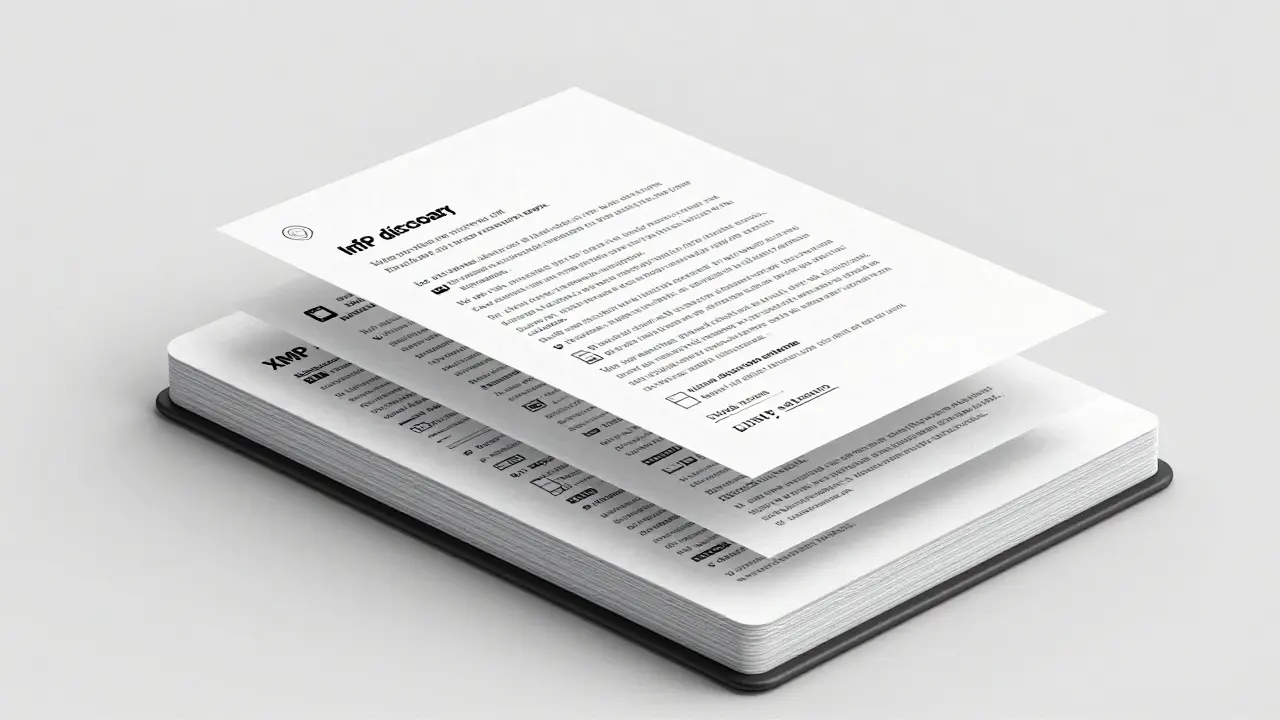
The real danger lies in what stays hidden. A standard PDF contains two parallel metadata stores: the older Info dictionary and the newer XMP stream. Most basic PDF tools only scrub one of these, leaving the other intact. This means sensitive information like internal usernames, previous draft authors, or confidential subject lines can survive the cleaning process.
In high-stakes litigation, this oversight can be fatal. Imagine producing a Bates-stamped contract where the visible text has been redacted for privilege, but the XMP metadata still lists the name of the partner who drafted the privileged advice. Opposing counsel can extract this data using free online viewers, effectively bypassing your redactions. This is not theoretical; inadvertent disclosures via metadata are among the most common sources of privilege waivers in e-discovery.
Furthermore, many law firms use generic PDF editors to apply Bates stamps. These tools often update the Producer field with the name of the software used (e.g., "Adobe Acrobat Pro" or "Foxit"). While seemingly harmless, this reveals your tech stack and workflow to the opposition. More critically, if the tool automatically adds a timestamp upon saving, it alters the file's modification history, potentially undermining claims of preservation.
How to Sanitize Metadata Without Breaking the Chain of Custody
To mitigate these risks, legal teams need a disciplined approach to metadata management before applying Bates stamps. The goal is to strip unnecessary or harmful data while preserving the fields required for authentication. This requires a tool that understands the structure of a PDF deeply enough to target specific metadata layers without re-rasterizing the document or altering its visual content.
Traditional desktop software like Adobe Acrobat Pro offers a "Remove Hidden Information" feature, but it requires a subscription and installs heavy software on your machine. For smaller matters or quick reviews, cloud-based cleaners seem convenient, but they introduce a massive privacy risk: uploading sensitive exhibits to third-party servers violates confidentiality obligations and potentially exposes client data.
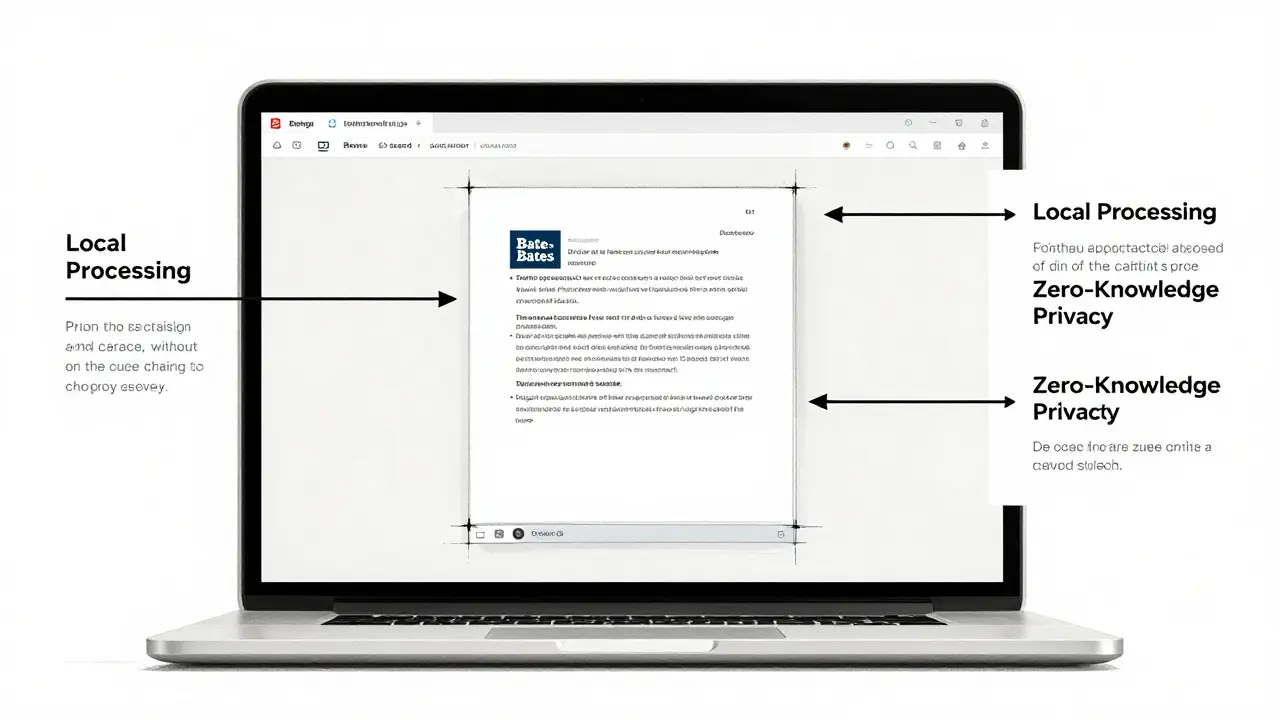
A better solution is to use a client-side tool that processes the file locally in your browser. Vaulternal's PDF metadata remover operates entirely within your device using WebAssembly. This means the file never leaves your computer. You can upload the Bates-stamped PDF, inspect the hidden Info dictionary and XMP streams, and then scrub specific fields like Author, Creator, or Keywords. Because the processing happens locally, there is no network traffic to monitor, and no server logs to worry about.
This approach allows you to verify exactly what is being removed. Some advanced workflows require a JSON export of the stripped metadata for audit purposes, proving to the court that you conducted a thorough review. By sanitizing the metadata before final production, you ensure that the Bates stamp serves its purpose-human readability-without leaking unintended digital footprints.
Best Practices for Litigation-Ready PDFs
Integrating metadata hygiene into your e-discovery workflow requires a few key steps:
- Stamp Last: Apply Bates numbers only after all privilege reviews and redactions are complete. Re-stamping due to late additions creates gaps in sequencing and forces metadata updates.
- Verify Dual Stores: Always check both the Info dictionary and the XMP stream. A tool that only cleans one leaves the other exposed.
- Preserve Hashes: Ensure your Bates log links the visual PDF to the original file’s cryptographic hash. This maintains the chain of custody even if the PDF metadata is sanitized.
- Use Local Tools: Avoid uploading exhibits to public web services. Use local or client-side applications to maintain zero-knowledge privacy.
- Test for Consistency: Spot-check a sample of produced PDFs to ensure stamps don’t obscure text and that metadata fields are uniform across the entire set.
By treating metadata as seriously as the visible text, you protect your clients from inadvertent disclosures and strengthen the defensibility of your productions. The Bates stamp gets you into the courtroom; clean metadata keeps you out of trouble once you're there.
Does Bates stamping remove PDF metadata?
No, Bates stamping typically adds new metadata rather than removing old data. The process of creating a stamped PDF often updates the 'Producer' and 'Modification Date' fields, while leaving original author and creation details intact unless specifically scrubbed.
Is it safe to upload legal exhibits to online PDF cleaners?
Generally, no. Uploading sensitive litigation documents to third-party servers poses significant privacy and confidentiality risks. It is safer to use client-side tools that process files locally in the browser without uploading them to any external server.
What is the difference between the Info dictionary and XMP metadata?
The Info dictionary is the legacy metadata format in PDFs, containing basic fields like Title and Author. XMP (Extensible Metadata Platform) is a newer, more robust XML-based stream that can hold richer data. Many cleaners only remove one, leaving the other-and its potential secrets-exposed.
Can hash values replace Bates numbers in court?
While hash values are superior for verifying file authenticity and preventing tampering, they are not user-friendly for live testimony. Courts generally prefer Bates numbers for their human-readable nature, often requiring both hashes (for backend verification) and Bates stamps (for frontend presentation).
Why do courts order re-production in TIFF or PDF format?
Courts often mandate Bates-stamped image formats (TIFF/PDF) because they ensure consistent rendering across different devices and operating systems. Native files may display differently depending on the software used, whereas images guarantee that everyone sees the exact same layout and Bates identifier.






Miss Masquer
2 June, 2026 . 00:10 AM
It is fascinating to consider how the digital footprint of a document can tell a story that contradicts the visible narrative presented in court, especially when one considers the historical context of legal documentation and how it has evolved from physical paper trails to these complex electronic structures that we now rely upon for such critical proceedings. The fact that metadata persists even after visual redaction is something that many legal professionals might overlook until it becomes a catastrophic error, which is why I find this discussion so incredibly relevant and necessary for anyone involved in modern litigation practices today.
Joshua Alcover
3 June, 2026 . 16:48 PM
The fundamental dichotomy between the superficial aesthetic of Bates numbering and the cryptographic reality of hash values represents a failure of judicial efficiency that must be addressed through rigorous adherence to technical standards rather than archaic procedural habits that serve only to obfuscate the truth behind layers of bureaucratic nonsense and outdated traditions that have no place in the modern information age where transparency and data integrity are paramount concerns for any civilized society.
Diana Morris
3 June, 2026 . 21:27 PM
stop ignoring the obvious risks here people need to wake up and start sanitizing their files properly because leaving metadata intact is just asking for disaster and you cant blame the tool if you dont know how to use it right so get your act together and secure those documents before they blow up in your face
Dianne Wright
3 June, 2026 . 21:28 PM
i mean everyone knows this already but apparently some people still think uploading sensitive docs to random online cleaners is a good idea which is honestly baffling because its like handing over your house keys to a stranger and expecting them not to steal your tv or worse so yeah maybe educate yourselves before ruining cases with basic incompetence
trisya hazriyana
4 June, 2026 . 20:31 PM
the irony of relying on visual stamps while ignoring the digital truth beneath is quite profound isn't it really highlights how much our legal systems are stuck in the past despite having access to superior technological solutions that could streamline everything but instead we cling to these inefficient methods that create more problems than they solve which is just typical of institutional inertia i suppose
Debbie Lewis
6 June, 2026 . 16:00 PM
just wanted to say that this is a really useful overview of the issues at hand and i appreciate the clear explanation of why both formats are often required by courts since it helps clarify what can be a very confusing aspect of e-discovery for those of us who arent tech experts but still need to handle document production regularly
Eric Grosso
7 June, 2026 . 04:59 AM
does this mean i should be worried about every pdf ive ever sent out or is it mostly just a problem for big law firms dealing with massive cases because i usually just stamp things quickly and send them off without thinking too hard about the hidden data inside so im kinda curious if there are any simple checks i can do myself
Edith Mair
8 June, 2026 . 16:12 PM
We need to stop treating metadata as an afterthought and start integrating proper hygiene protocols into every stage of document preparation because the current approach is clearly failing to protect clients from inadvertent disclosures and it is unacceptable that so many firms are still using generic tools that leave critical data exposed to opposing counsel who are all too happy to exploit these weaknesses.
Sam Dashti
8 June, 2026 . 21:23 PM
its kind of wild how a simple string of hexadecimal characters can hold more power than a giant bold number stamped across the page yet we keep pretending the stamp is what matters because its easier for juries to understand even though the hash is the real guardian of authenticity which feels like a weird compromise between human intuition and mathematical certainty that probably wont last forever
Joe Clements
10 June, 2026 . 07:25 AM
This is such an important topic and I really appreciate you breaking down the differences between the Info dictionary and XMP streams because I had no idea that cleaning one didn't necessarily clean the other which sounds like a huge pitfall for anyone trying to sanitize documents quickly without fully understanding the underlying structure of PDF files.
Rosie Morris
10 June, 2026 . 16:34 PM
i totally see what u mean about the privacy risks of cloud cleaners its scary to think that sensitive info could end up on some random server somewhere and i guess using a local tool is the way to go even if it takes a bit longer to set up because safety first right especially when dealing with legal stuff where mistakes can cost millions
lorna erni
11 June, 2026 . 03:54 AM
Let's all work together to push for better education on this issue because ignorance is not an excuse for privilege waivers and we need to hold ourselves accountable for ensuring that our productions are clean and defensible so that we can maintain the highest standards of professionalism and protect our clients' interests effectively in an increasingly digital world.
stalin brian
12 June, 2026 . 12:10 PM
hey great post man i never thought about the xmp stream thing before so thanks for pointing that out cause i always just used acrobat to remove hidden info and assumed it was done deal but now im gonna double check everything going forward to make sure im not accidentally leaking anything stupid